With Gravity Forms, you can preview your forms directly inside the editor.

Wordpress Plugins 🔌
Overview of WordPress plugins and ICF standards
Others
More Gravity Forms plugins

Open your form in the editor.
In the top right corner, you’ll find the “Preview” button.
Hover over it to see the available preview options:
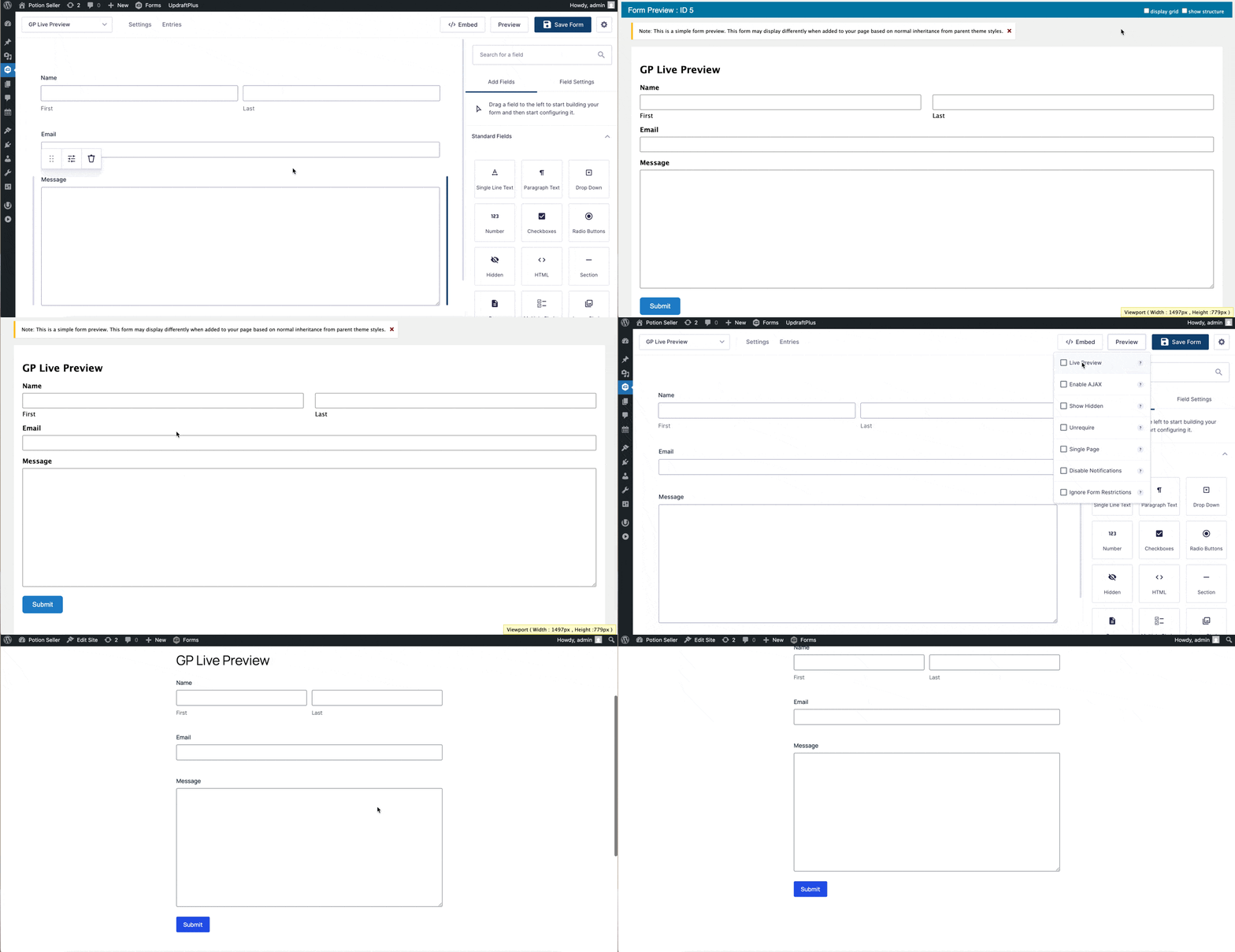
Live Preview – Preview the form exactly as it will appear on the live site.
Show Hidden – Reveal hidden fields (e.g., hidden fields, hidden product fields, or fields hidden with gf_invisible and gf_hidden CSS classes).
Single Page – Combine multipage forms into a single page for faster troubleshooting.
Disable Notifications – Prevent notifications from being sent when submitting the form for testing.