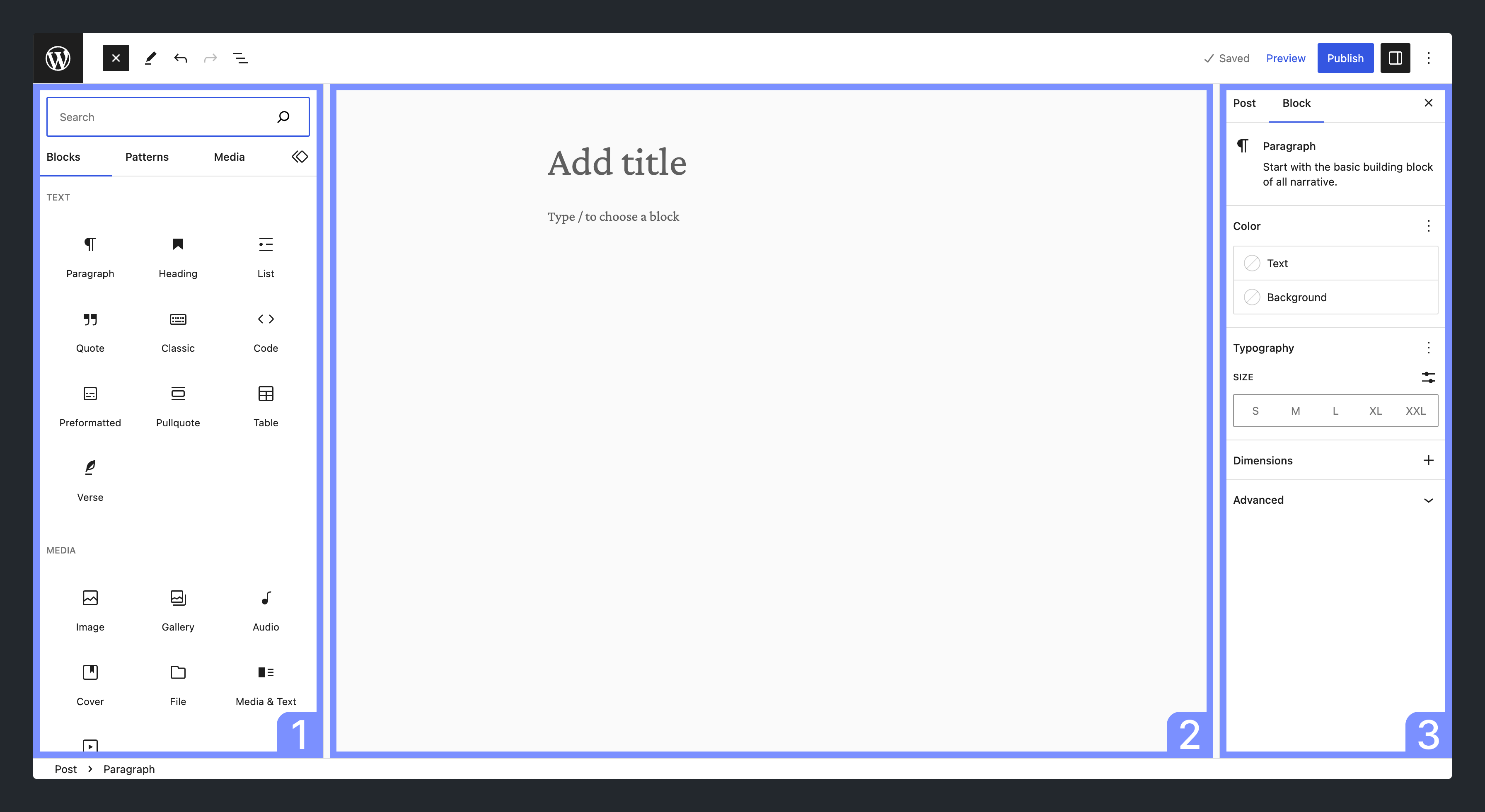
The Gutenberg editor from WordPress allows you to create websites with complex layouts and functions—without any programming knowledge or plugins! With a variety of “blocks,” even absolute beginners in web design can put together a diverse page.
What sounds simple in theory is not so easy to implement in practice. Sure, you don't have to be a developer, but it's not quite as easy as stacking building blocks on top of each other.

Gutenberg is WordPress’s block editor—a page builder that lets you create pages and posts from “blocks” (headings, text, images, columns, buttons, etc.) via drag-and-drop—no coding required.

Since 2018, Gutenberg has replaced the Classic Editor. Beyond simple text editing, it offers a wide range of built-in blocks and website features—many that previously required separate plugins.

Pick blocks, add them to your page, customize them (size, colors, options), and arrange them with drag-and-drop. The UI is beginner-friendly, though some features can feel hidden at first. The next chapters walk you through the essentials so you can get productive fast.