Behind the gear icon in the toolbar is a sidebar that contains settings for two elements: the page itself and the currently selected block.
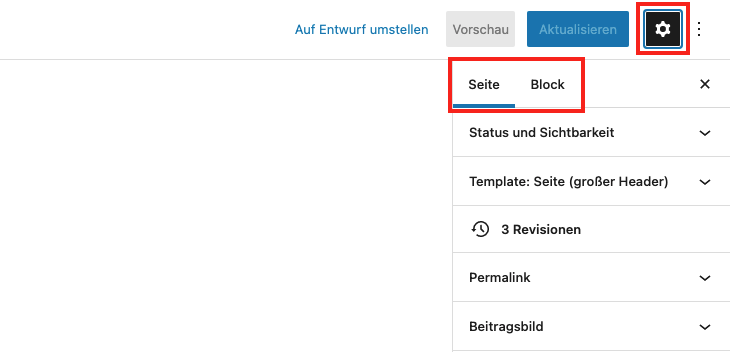
In the page settings, you will find settings that are located in the right sidebar in the classic editor. Here you can edit the preview image, permalink, status, visibility, and page hierarchy. The block settings vary from block to block.

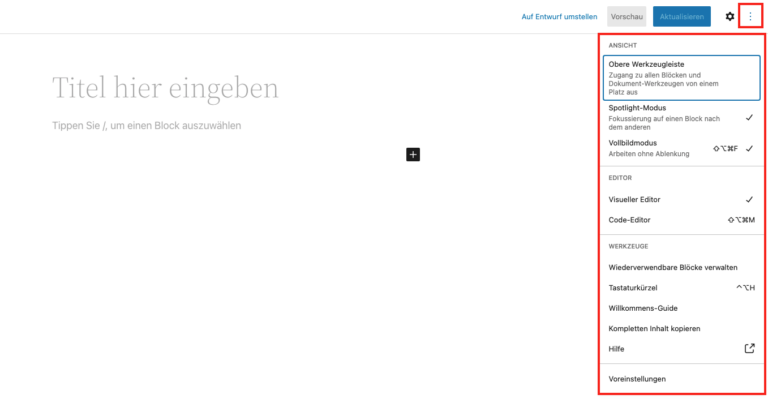
Here you will find everything related to the editor itself: you can customize the view, the display of blocks, and the tool selection, access the help function, or view the welcome tutorial again.