We provide a dedicated content element for social media links.
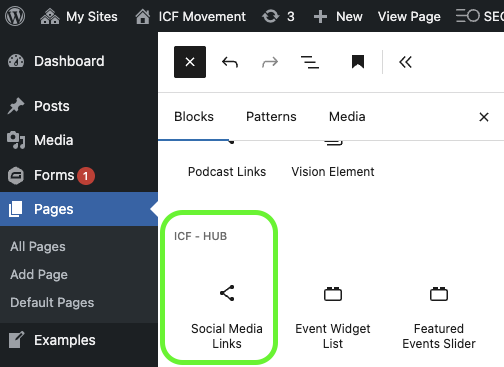
You can find this element under “ICF – Hub” in the content blocks.

By default, the links are pulled directly from the ICF Hub. As an admin, you can set them in the organization settings.


You can also override the ICF Hub and set links manually.
Click on “Links”.
In the sidebar, you’ll see the toggle “Use the links from ICF Hub”.
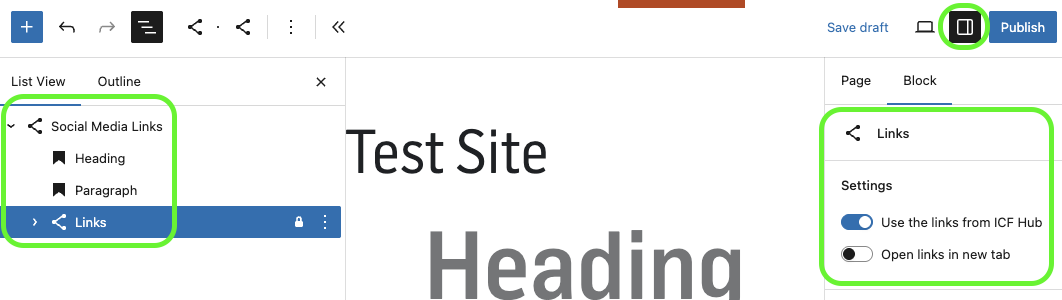
When you click on “Links”, you’ll see a plus icon - Use it to add more icons:
Telegram
YouTube
X
TikTok

Click on an icon to enter the link in the toolbar above.
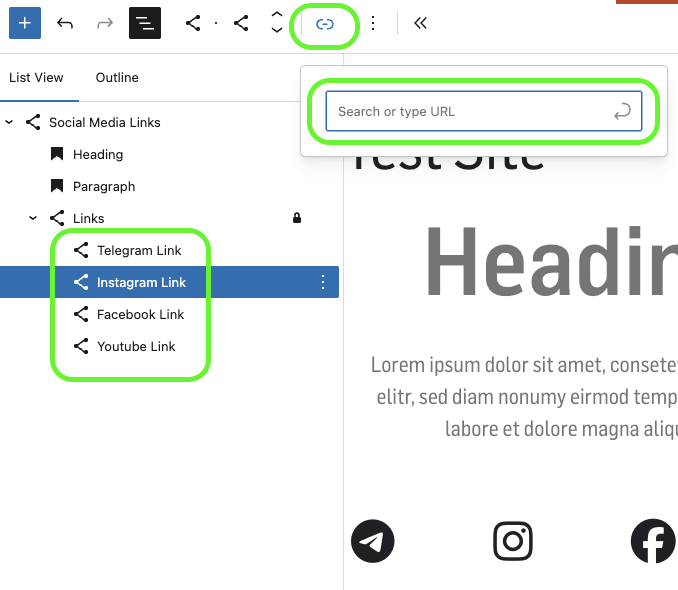

This element also provides a heading and a paragraph that you can use flexibly for descriptions or CTAs.