As soon as a sermon is published in the ICF Hub, it will automatically appear in the Sermon Directory. Here’s how it works and what to watch out for.
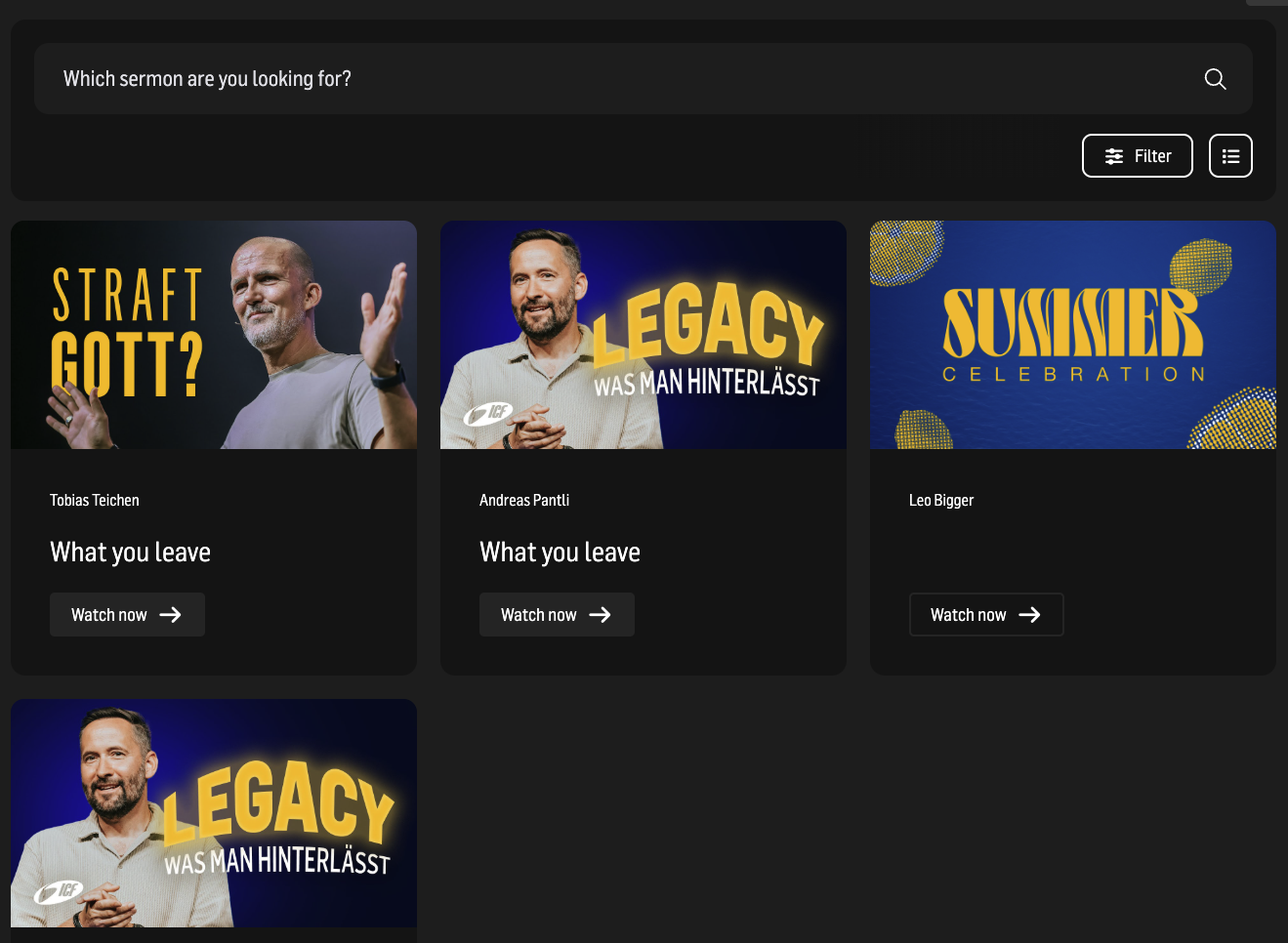

When you get access to your ICF website, this page has already been created for you.
 Important
The page title is predefined – do not change it.
The slug of the page is predefined – do not change it!
Site/Page Title 📄
Explains the difference between page title and visible title

To actually display your sermons, you need to add the correct widget.
 What is a Widget? How can you create one? Check out this article
Widgets 📥
How to display data from the ICF Hub using widgets

The search helps the user to find a sermon. It searches Title & Description at the moment, but we are planning to integrate the YouTube transcript in the future. It shows the search results instant.

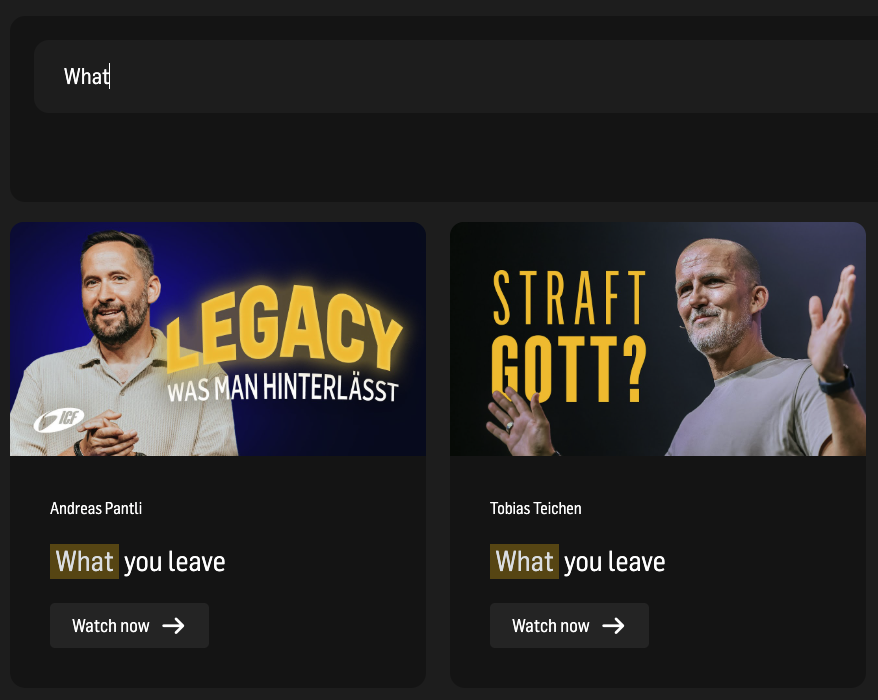

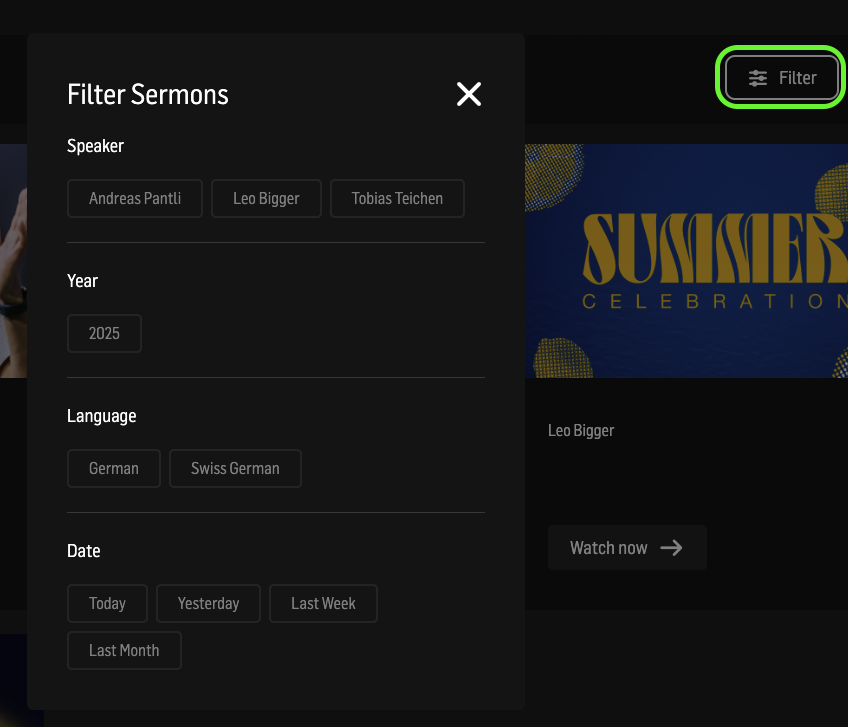
The search also offers different filter options. With a click in the button “Filter” in the search bar you can filter:
Speaker
Year
Language
Date
It also shows instant filter tags. You can see them also directly below the search bar with icons. These are communities and should help the website visitor to find the best sermon fit even faster
(Screenshot is not ready yet)

We also implemented the feature, to switch between the list view and the tile view. Just click on it to switch between the views.