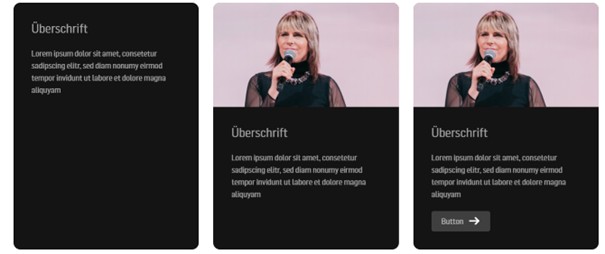
Our design consists largely of such card elements, and you can use a variety of them.
You can view them here: https://new.icf.church/de/examples/content-elements/

The best way to do this is to enter “card” in the search field on the left side of the block inserter, and a selection of all possible cards will appear:

If you briefly hover the cursor over the respective card, the right-hand side shows and explains clearly what the card contains.

In the following example, we're working with three columns and have inserted the "Card." Depending on how you configure it on the right side, it looks different:
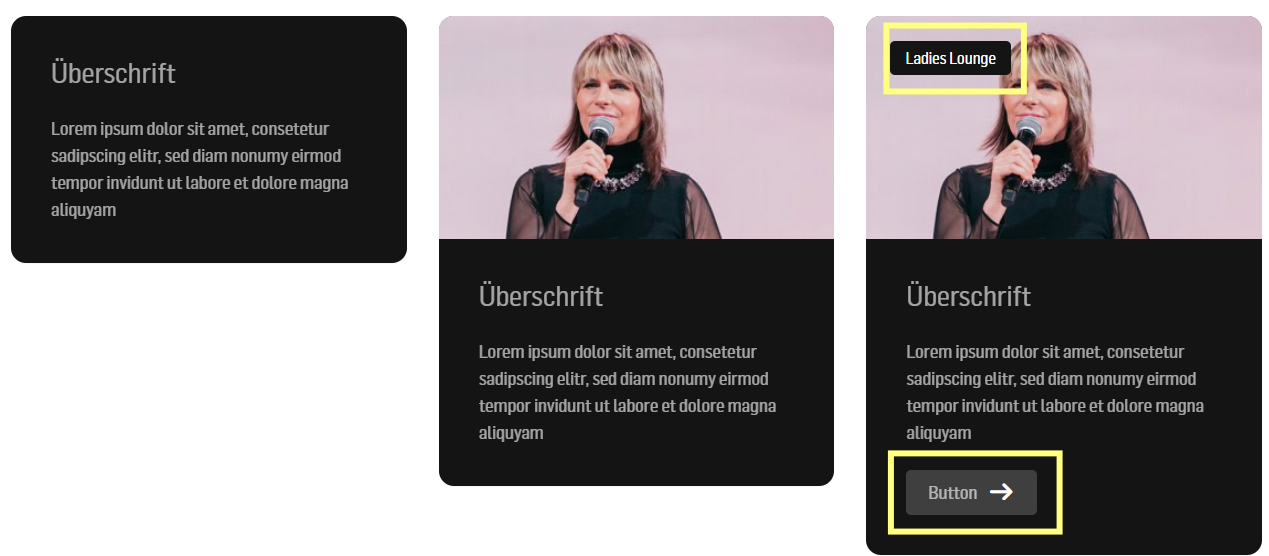
In the first example, only text (heading + paragraph) is used. | A featured image has been inserted here. | In addition to the post image, the button and tags were activated here |


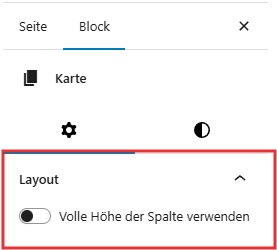
(The blue border indicates which card is selected.) Edit mode appears on the right. For Layout select "Use full column height."