Spacing helps keep your pages looking clean. There are a few basics you need to keep in mind to make sure the spacing works 

Sections are content elements (blocks) – essentially containers. They also help you display content in multiple columns and include standard spacing.

On the left side of the screen, you pick what you want to add. You always start by picking the design.
Blocks > Design - here you choose which section you want to work with in the next part of the page:
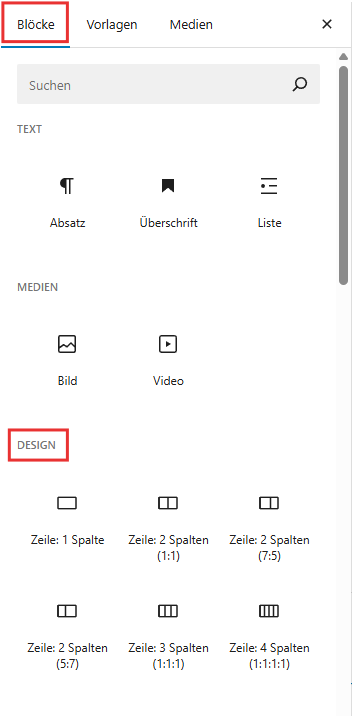


Sections (columns) aren't just a design element, they're also a tool for clean spacing (padding & margin). Without columns, content would quickly get misaligned or be too close together.
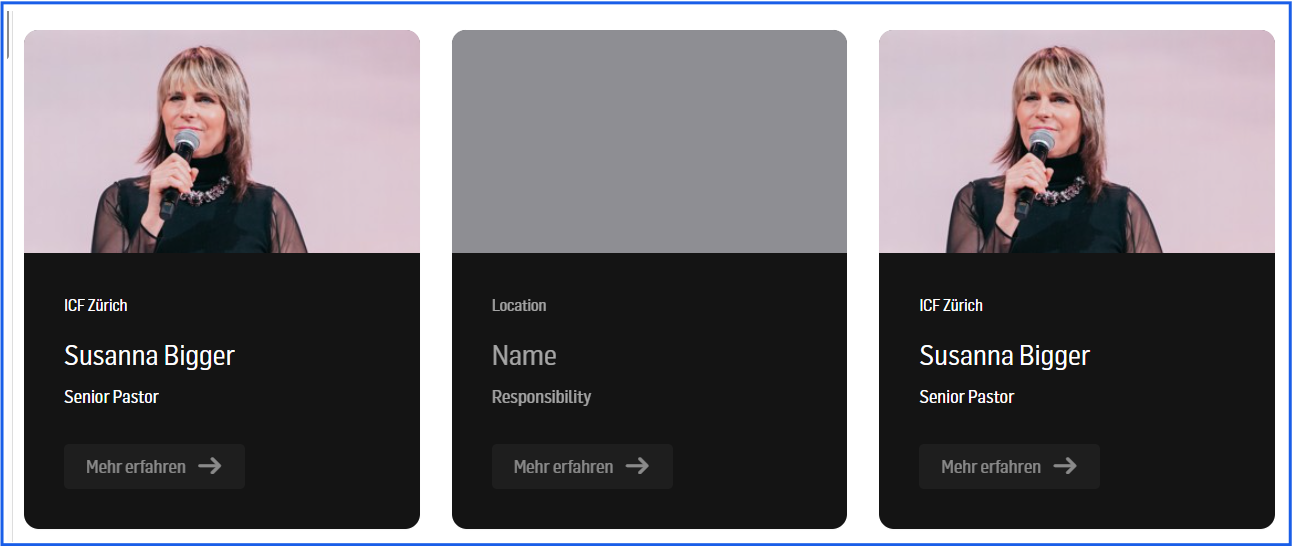
In our example, we pick 3 columns.

With the + you can then add the item you want (text, image, profile card, etc). In the example, we picked a profile card. You do this again through the left side of the screen. If you know the name of the design module, just search for it in the search bar and add it:
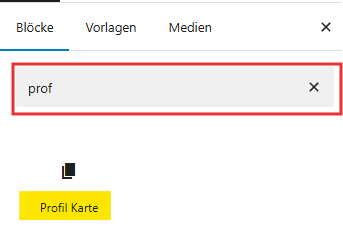
Or browse through the list. If you hover over the name, you'll see a preview of the selected module on the right. Click to choose.
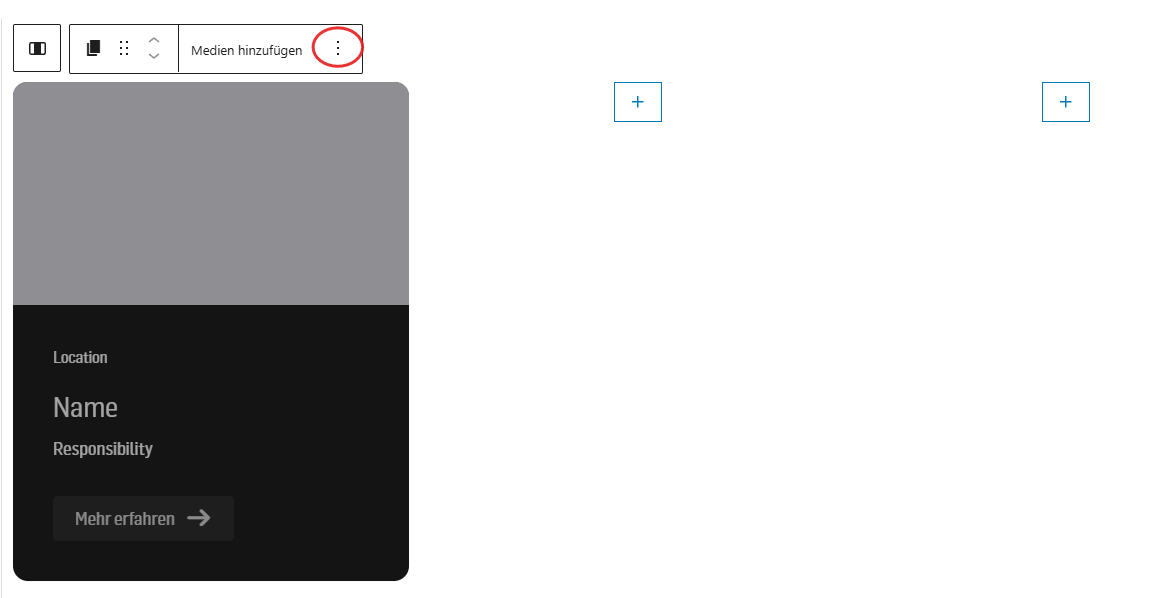
In the next step, we'll fill the card. You can use the 3 dots above, or the menu on the right side:
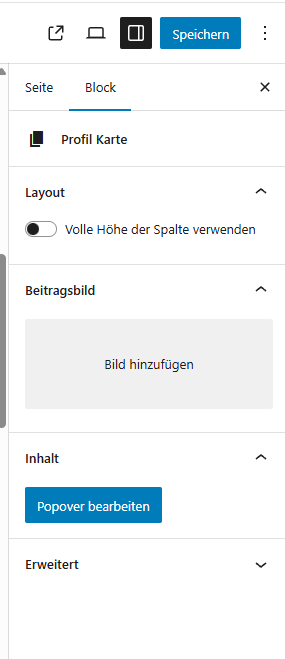
Then you can duplicate certain content, enter new stuff, change the order, and so on.
Here's where you'll learn how to adjust the padding and margins!

