Coupons ⭐️
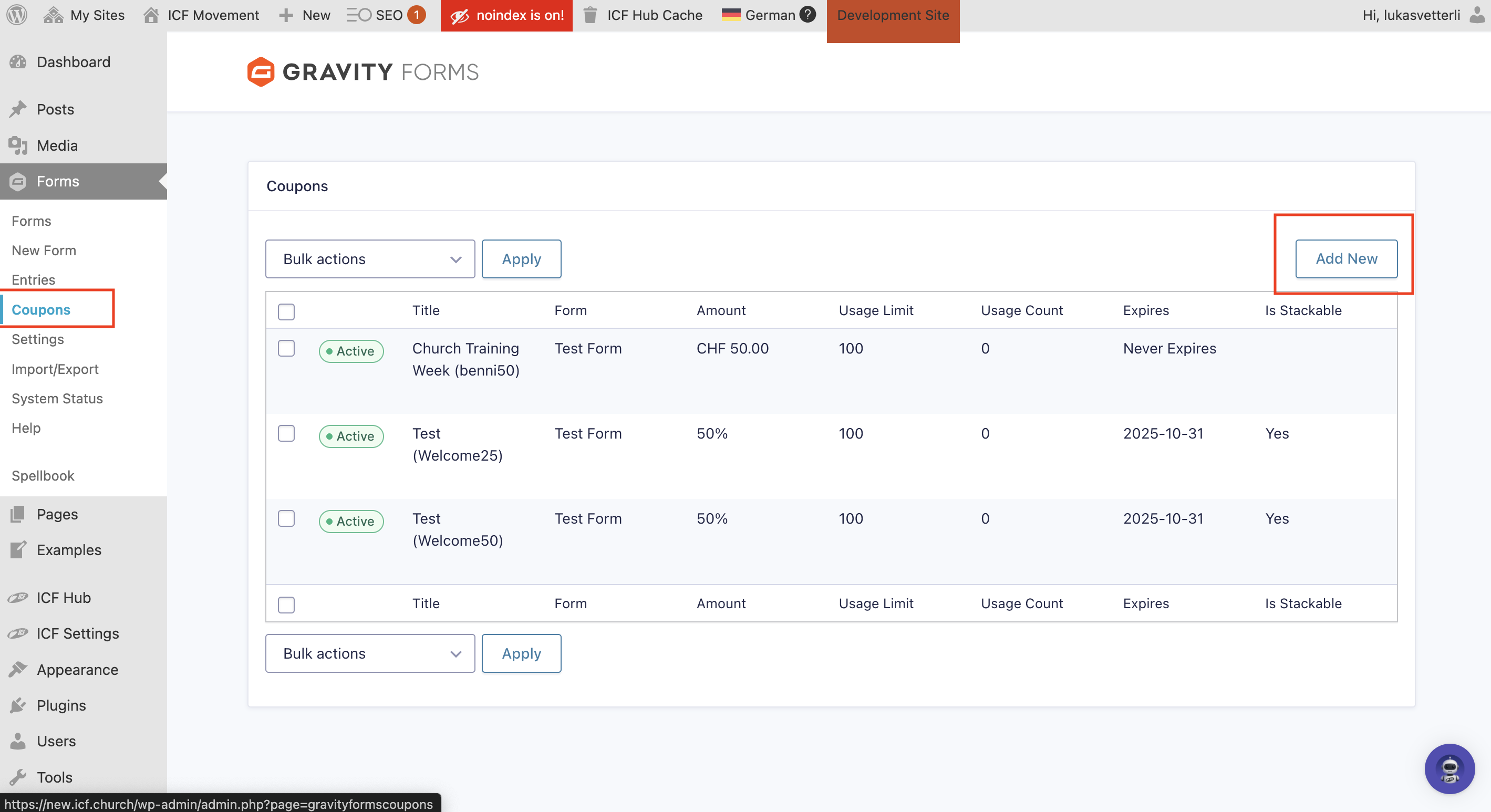
Add Coupons to Your Gravity Form
 ️
️You can easily create a new coupon: 
Go to Coupons → click Add New.
Choose a name for your coupon and create your coupon code
Decide whether it’s a flat discount (10 CHF) or a percentage (20 %) 
et the start and end date for when the coupon is valid
Define a usage limit and decide if it’s stackable with other coupons (for example; a 20 % coupon on top of another 10 % discount).
To add your coupon to your form: 
Go to Add Fields → scroll down to Pricing Fields → click or drag Coupon to the desired position in your form.