You can show the 7th menu item (Give or Contact) of the main menu as an Call-To-Action Button.
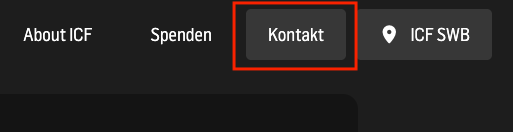
Go to the menu
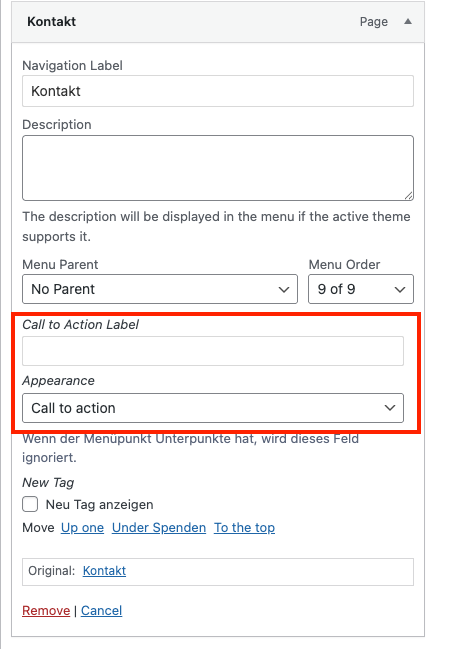
Click on the menu item
Change “Appperance” to “Call to action”

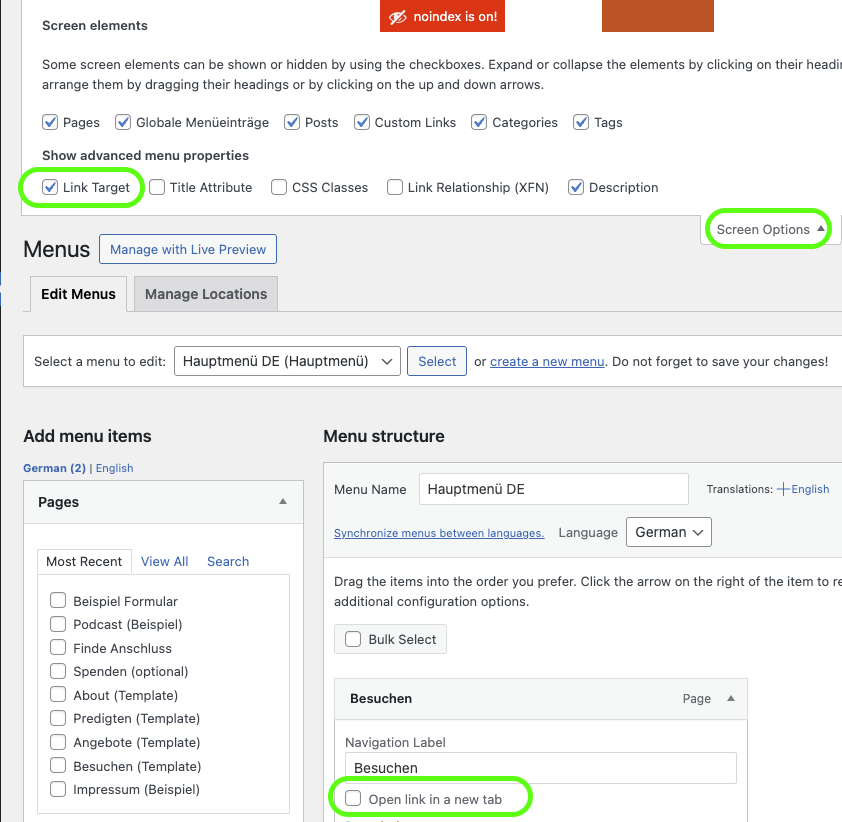
If you want a Link to open in new tab, you first have to enable “Link Target“ under the Screen Options in the top right corner. Then the “Open link in a new tab“ is shown under each link.

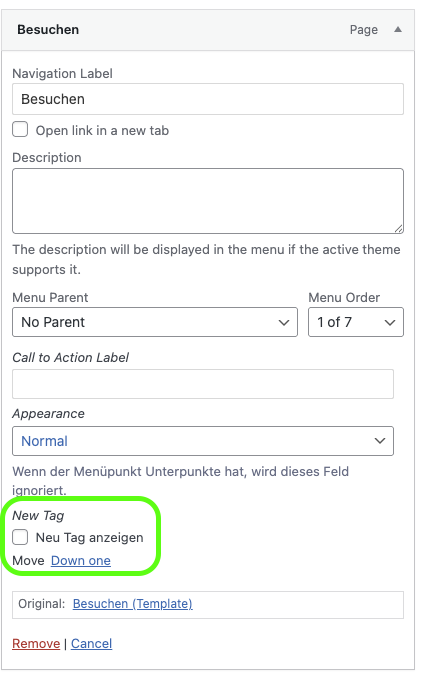
You can mark submenu items with a “NEW” tag to highlight them.
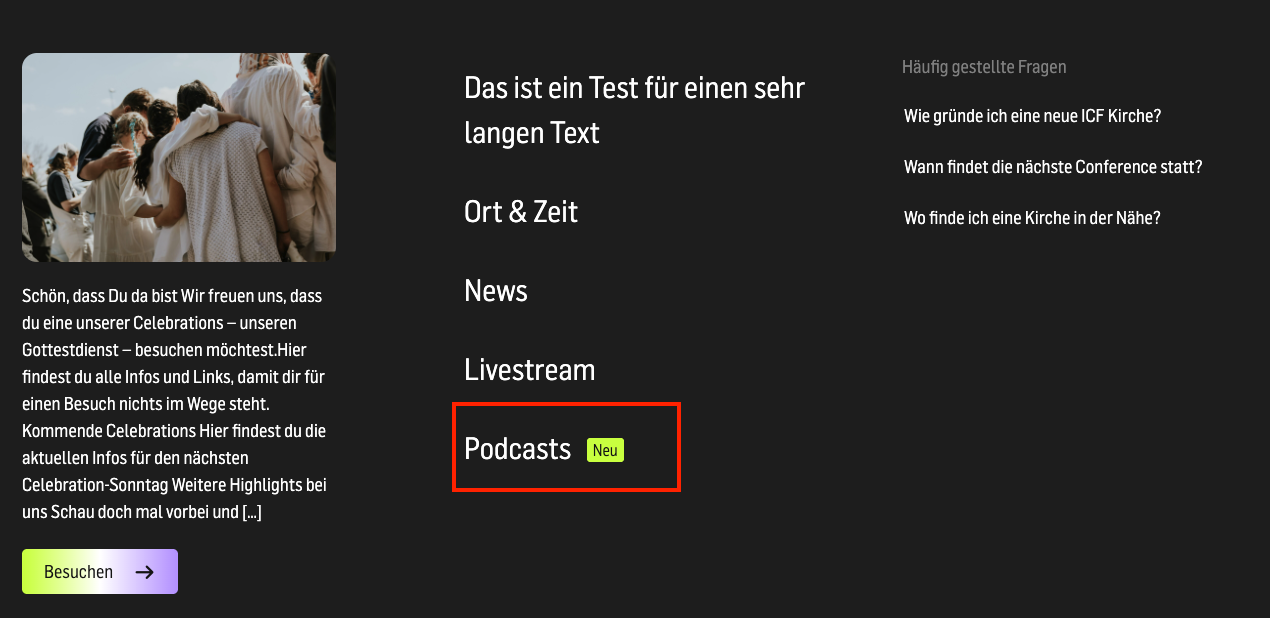
To do this, simply go to the menu item and check the “Show new tag” box.