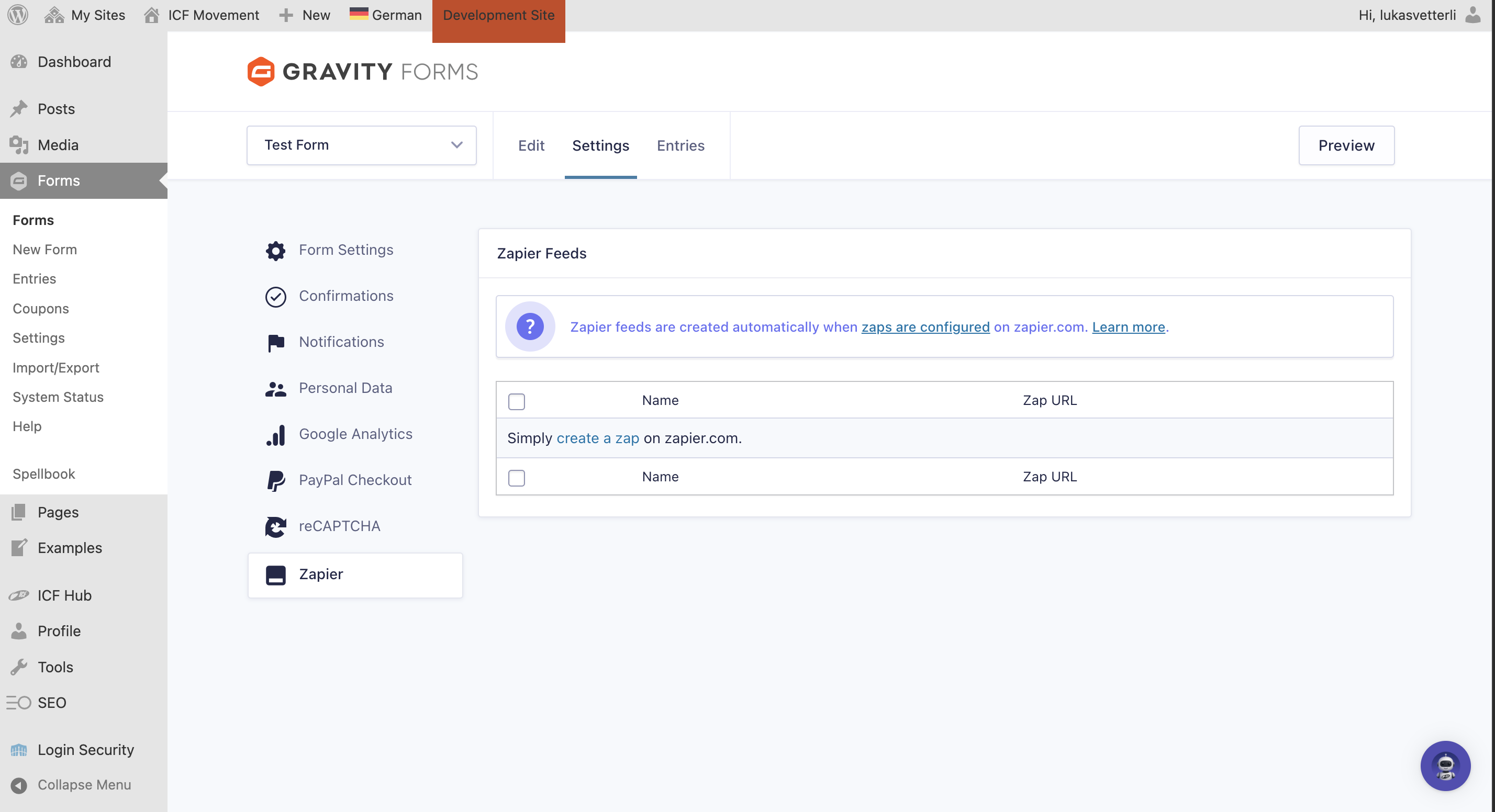
It’s possible to connect your form with Google Sheets, Mailchimp, and many other tools via Zapier, making it super easy to transfer submitted information automatically. 

Just go to the main menu, “Plugins”
Search and choose the plugin “Gravity Forms Zapier Add-On”
Activate it


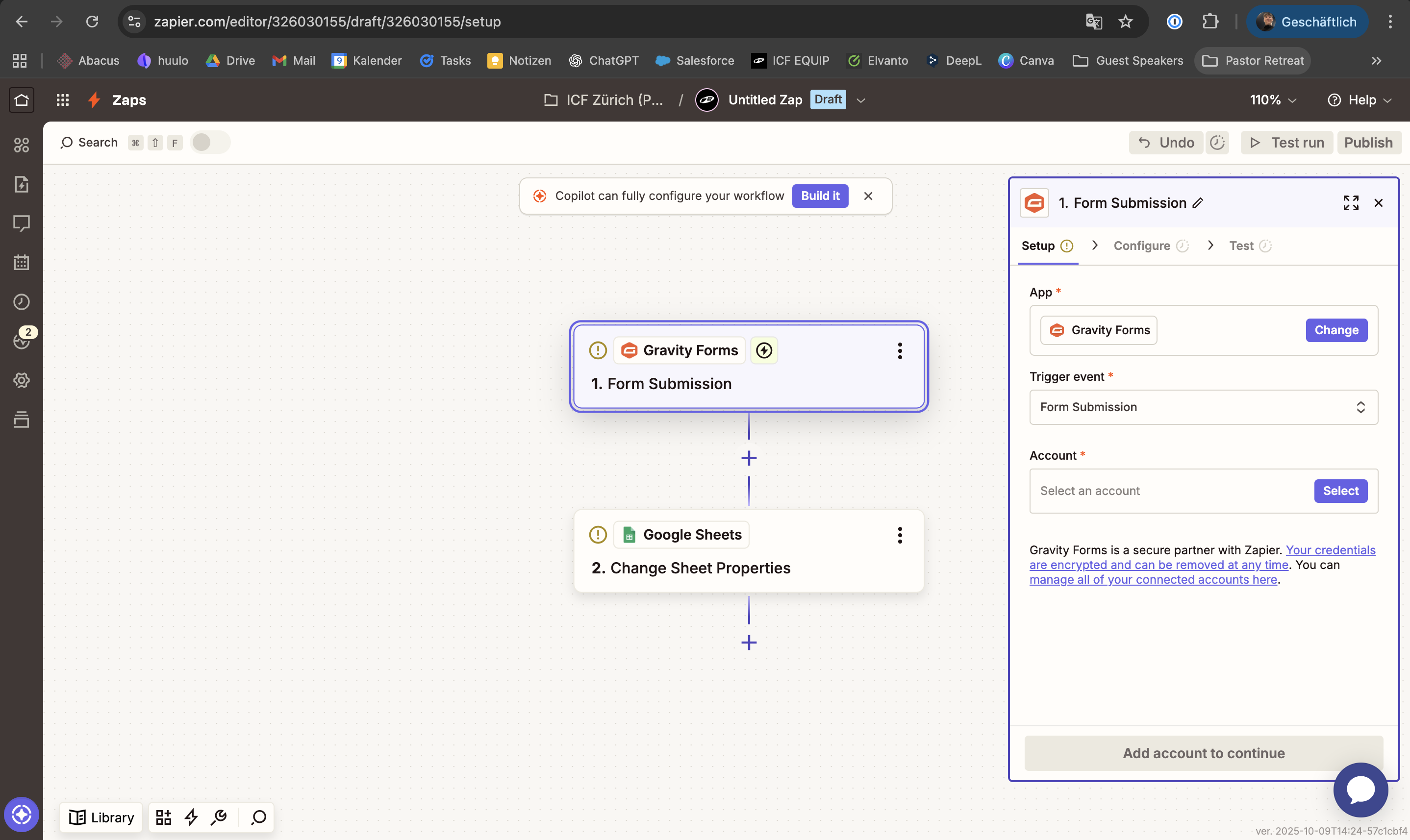
Just create a new Zap in Zapier, choose ‘Gravity Forms’ as your Trigger app, and your preferred Action app (like Mailchimp or Google Sheets).
You can then select your created Zap directly in the Settings of your connected form, it should appear under the section ‘Zapier’. The Zapier plugin should be already activated, so you’re good to go